● Multi-Platform 8-Bit Fantasy Arcade Hub

Play Retro Fantasy Consoles on PS4 & Android.

Experience thousands of creative 8-bit cartridges at native 60 FPS with authentic chiptune synthesis, built-in BBS online cartridge store, and full DualShock 4 & touch controls.

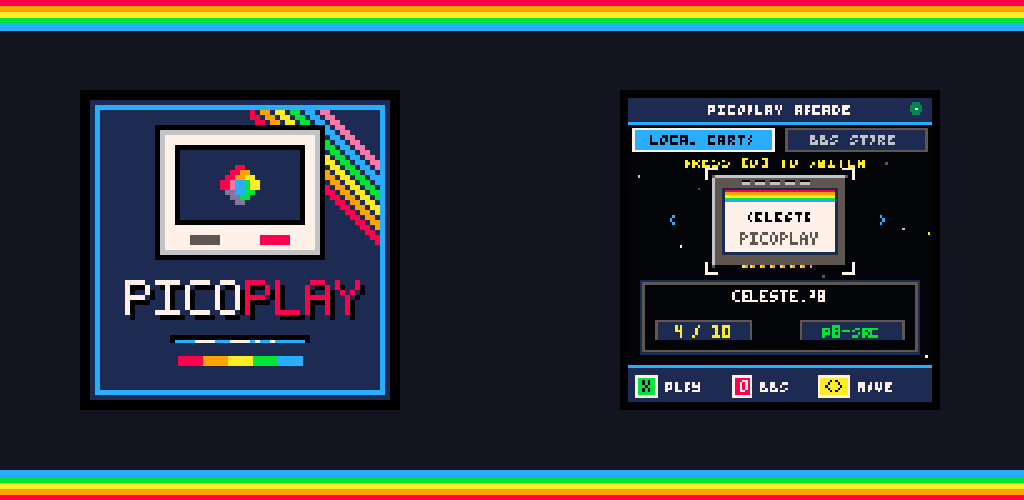
PicoPlay 8-Bit Fantasy Arcade Platform Preview

Choose Your Battle Station

Hand-crafted native C++ engines engineered for each platform with zero compromises.

PicoPlay PS4 Icon

PlayStation 4 Edition

Latest: v1.01 • PKG-Zone & Fake PKG
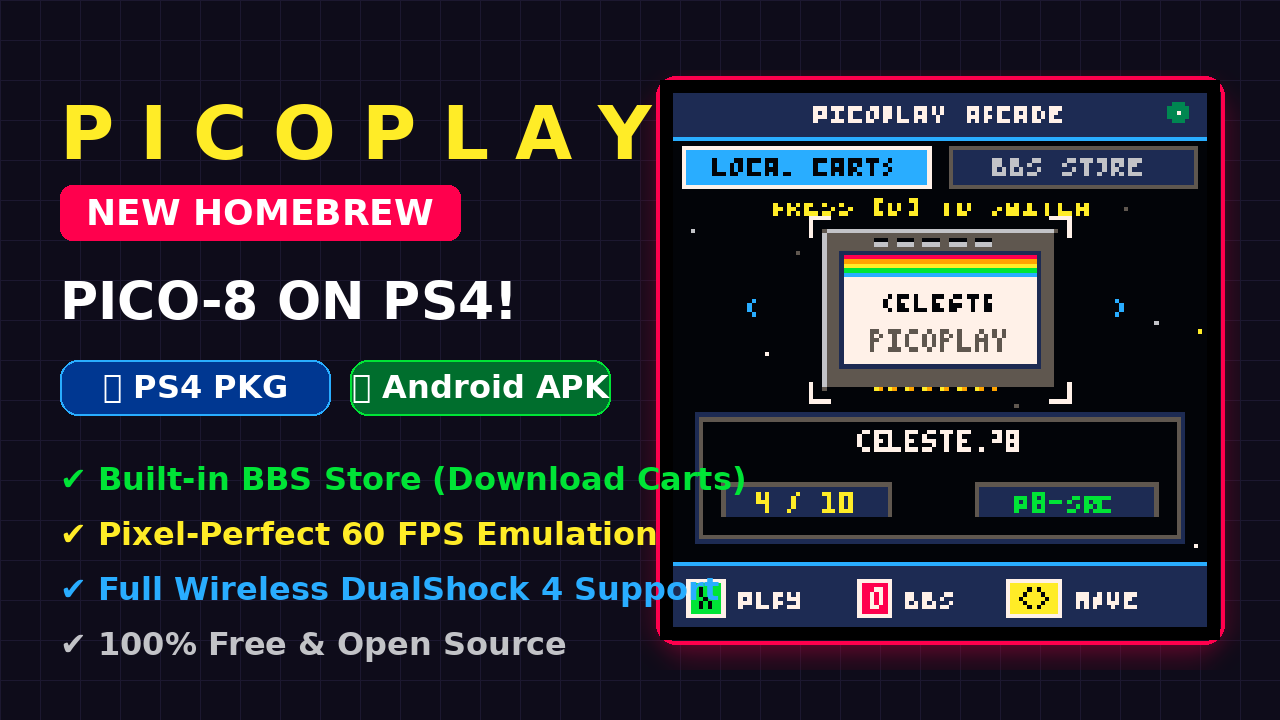
PicoPlay PS4 Gameplay Running on GoldHEN

Designed for your living room arcade on jailbroken PS4 consoles (GoldHEN / Mira 5.05 - 11.00). Now featured on PKG-Zone.

  • ✔
    Published on PKG-Zone: Install directly on your PS4 via Homebrew Store / Itemzflow (Title ID: PPLA00008).
  • ✔
    Rock-Solid 60 FPS: Custom -O2 integer scanline scaler directly mapped to PS4 VideoOut buffer in under 0.3 ms.
  • ✔
    DualShock 4 Mouse Emulation: Touchpad & Right Analog Stick cursor support for games like Slipways.
  • ✔
    1-Click GoldHEN Install: Direct package deployment to /data/pkg with zero hassle.
  • ✔
    In-App BBS Arcade: Download community carts straight to your PS4 hard drive.
PicoPlay Android Icon

Android Edition

Latest: v1.0.2 • Standalone APK
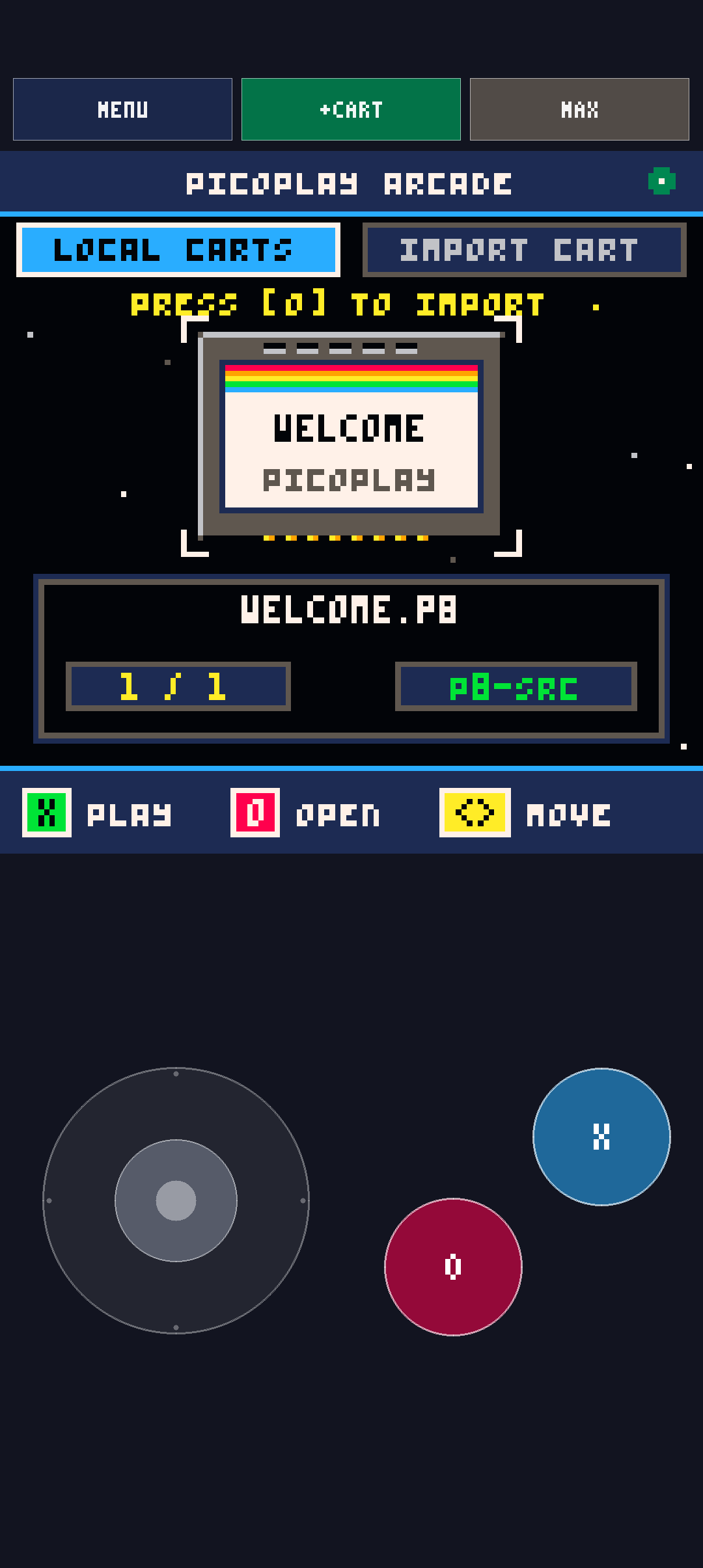
PicoPlay Android Pocket Touch Gamepad

Optimized for Android smartphones, tablets, Android TV, and handheld gaming consoles.

  • ✔
    Pocket Touch Gamepad: Ergonomic on-screen virtual d-pad with haptic feedback & gesture support.
  • ✔
    Android 16 & 16KB Ready: Compiled with 16KB page alignment for next-gen ARM64 devices and Google Pixel.
  • ✔
    Hardware Controllers: Native support for Retroid Pocket, AYN Odin, 8BitDo, and Bluetooth gamepads.
  • ✔
    Offline Cartridge Library: Bundled starter pack including Slipways, Celeste, and more.

Pure Arcade Engineering

Built from the ground up for speed, fidelity, and zero latency.

⚡

Native C++ Core

Engineered without heavy virtualization overhead. Executes PICO-8 Lua bytecode and graphics primitives with laser-sharp frame timing.

🛒

In-App BBS Explorer

Search, preview, and download thousands of public domain and indie cartridges directly from the online repository without manual file transfers.

🔊

Chiptune Synthesizer

Authentic 4-channel audio synthesizer faithfully recreating standard waveforms, frequency sweeps, noise channels, and custom SFX instruments.

💾

Zero Data Loss Saves

Full persistent storage support for cartdata() and dset() to save your high scores, level progression, and stats safely.

Quick Start Guide

Get up and running in under 2 minutes on your platform of choice.

Installing on PS4 via GoldHEN Package Installer

  1. Download the Fake PKG: Get picoplay-ps4.pkg from GitHub Releases.
  2. Option A — Via GoldHEN FTP (Fastest): Connect to your PS4 console via FTP on port 2121 and upload the PKG to: /data/pkg/picoplay-ps4.pkg
  3. Option B — Via USB Flash Drive: Copy picoplay-ps4.pkg to the root directory of a FAT32 or exFAT formatted USB drive and plug it into your PS4.
  4. Install on Console: On your PS4, navigate to Settings → GoldHEN → Package Installer and install PicoPlay.
  5. Launch & Play: Launch PicoPlay from the PlayStation Home Menu! Use Options for Pause/Menu, Touchpad or Right Stick for mouse control, and L1 + R1 + Options to quit.

Installing on Android Smartphones & Handhelds

Option A (Official) — Google Play Store

Install directly from Google Play for verified security, instant setup, and automated background updates.

Open in Play Store →

Option B — Manual Sideload via Standalone APK

  1. Download APK: Download picoplay-full-v1.0.2.apk directly to your Android device.
  2. Allow Unknown Sources: If prompted by Android, enable "Install unknown apps" for your browser or file manager.
  3. Install & Grant Storage: Open the downloaded APK and tap Install.
  4. Load Cartridges: Tap into the built-in BBS store to download cartridges instantly, or place your existing .p8 / .p8.png files into your device storage!

Frequently Asked Questions

Everything you need to know about PicoPlay and PICO-8 cart compatibility.

What is PicoPlay?
PicoPlay is a free and open-source recreation of an 8-bit fantasy console engine. It allows gamers and developers to play community cartridges natively on modern hardware like the PlayStation 4 and Android with rock-solid 60 FPS performance, low input latency, and controller integration.
Do I need to own PICO-8 to play games?
No! Thousands of PICO-8 cartridges published on the Lexaloffle BBS are free and open for public play. PicoPlay includes an integrated BBS browser that lets you discover, download, and enjoy these community games directly inside the app.
How does DualShock 4 mouse emulation work on PS4?
Games with mouse input (such as Slipways) read PICO-8 hardware registers stat(32), stat(33), and stat(34). PicoPlay PS4 reads the DualShock 4 touchpad coordinates and right analog stick directly, mapping them smoothly to the 128×128 fantasy screen with trigger clicks for left/right mouse buttons.
Is PicoPlay open source?
Yes, PicoPlay is 100% open source under permissive licensing. Both the PlayStation 4 source code and the Android source code are maintained publicly on GitHub by birth1mark.